Teleprompter: Talk & Scroll
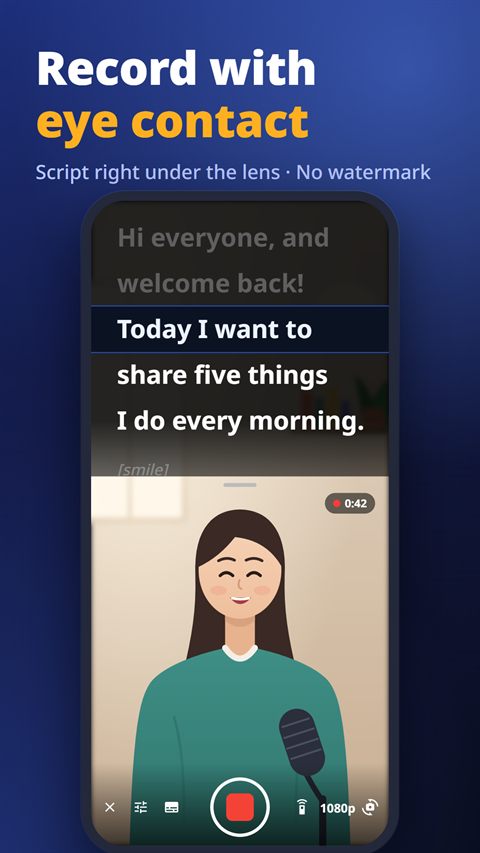
Your script scrolls as you speak. Record with eye contact.
 iPhone version coming soon
Teleprompter keeps your script right under the camera and moves it as you speak. Record videos with eye contact, float the prompter over other apps, and never get a watermark.
What it does
Voice tracking
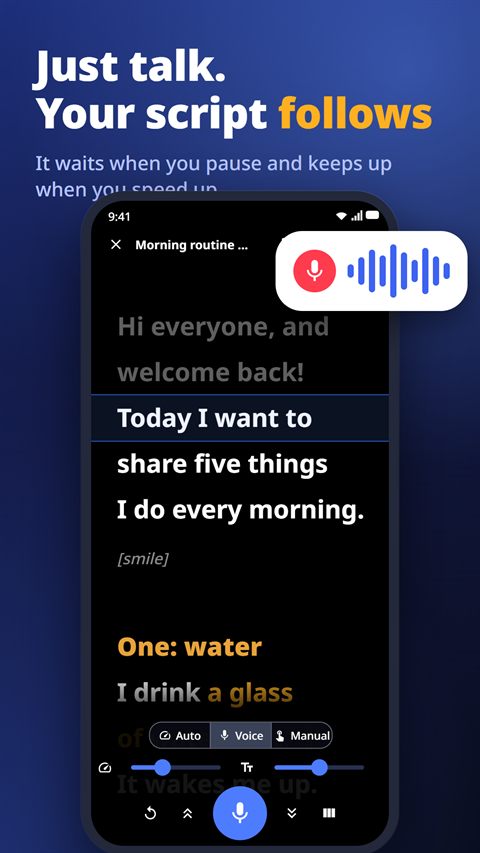
Just start talking. The script waits when you pause, keeps up when you speed up and catches up if you skip a line. Works in many languages.
Record with eye contact
Film yourself with the script right under the lens, in 720p or 1080p. Takes are saved to your gallery straight away.
Floating prompter
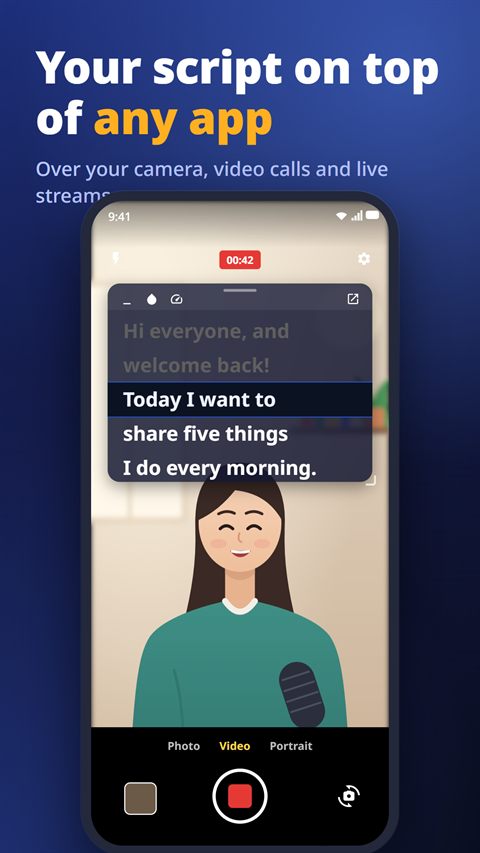
Keep your script on top of your camera app, a video call or a live stream. Resize it, fold it into a bubble, set how see-through it is.
Subtitles from your script
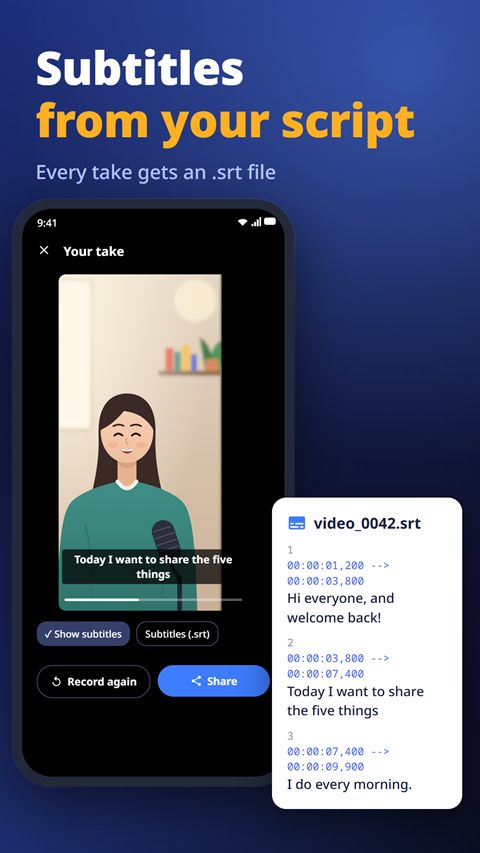
Every take gets subtitles made from your script. Preview them and share the .srt file.
Remotes and pedals
Bluetooth keyboards, page turners, foot pedals and volume buttons work out of the box. Or use a second phone as a remote.
Import any script
Open Word, text, Markdown, RTF and subtitle files, or paste from the clipboard. No sign-up, no limit on scripts.
Guides
- How to make subtitles (SRT) from your script when you record on your phoneNov 1, 2026
- How to read a script while recording video on your phoneNov 1, 2026
- How to see your notes during a video call or live stream on your phoneNov 1, 2026
Questions
Is there a watermark?
No, never — not even on the free plan.
Does voice tracking work in my language?
It works in many languages, including English, Spanish, Japanese, Korean and Chinese.
Is it free?
Yes, with ads. Voice tracking and the floating prompter are free three times a day, and one short ad opens them for 24 hours.